Safe Browsing Practices Everyone should know

Passionate about cybersecurity, threat detection, and digital defense. Just here to document my journey in cybersecurity, and break down complex security concepts into actionable insights.
The internet is an amazing place—it connects us, provides endless information, and makes life more convenient. But just like a busy city, it has its dangers. From phishing scams and malicious websites to identity theft and hacking attempts, browsing carelessly can put you at risk. To stay safe, it’s essential to adopt smart browsing habits.
Here’s how you can protect yourself while enjoying the internet.
1. Always Check Website Security
Imagine you’re about to enter your credit card details on an online shopping site. Before doing so, check if the website is secure. Secure websites use HTTPS, which means your information is encrypted. You’ll see a small padlock icon in the address bar, this is a good sign.
However, don’t rely on HTTPS alone! Cybercriminals have started using it too. Be skeptical if you receive a link through email or a pop-up asking you to log in. Instead of clicking the link, type the official website’s URL manually to ensure you’re in the right place.
2. Avoid Clicking Suspicious Links
Ever received an email saying, “Your bank account has been locked! Click here to restore access.”? Scammers love using urgency to trick people into clicking malicious links. These are called phishing scams, and they lead to fake websites designed to steal your information.
🔹 How to stay safe:
Hover over links before clicking to check if they match the official website.
Ignore emails or messages asking for your password, even if they look real.
Beware of fake giveaways on social media that ask for personal details.
3. Use Strong, Unique Passwords
Using the same password for multiple accounts is like having one key that opens all your doors. If a hacker gets hold of it, they can access everything! Instead:
🔹 What to do:
Use a password manager to create and store strong passwords.
Make each password long and unique (at least 12 characters).
Enable multi-factor authentication (MFA) for an extra security layer.
4. Keep Your Browser and Software Updated
Think of software updates like security guards. If your browser is outdated, it has unpatched security holes that hackers can exploit.
🔹 Why updates matter:
Hackers exploit old software to install malware (e.g., drive-by downloads).
Updates fix vulnerabilities that attackers use to steal data or control devices.
Browsers and plugins (like Adobe Flash or Java) are common targets—keep them updated or uninstall them if not needed.
5. Be Careful on Public Wi-Fi
Imagine you’re in a coffee shop using free Wi-Fi. Without protection, a hacker sitting nearby could intercept your data, including your passwords. This is called a man-in-the-middle attack.
🔹 How to protect yourself:
Avoid logging into sensitive accounts (banking, email) on public Wi-Fi.
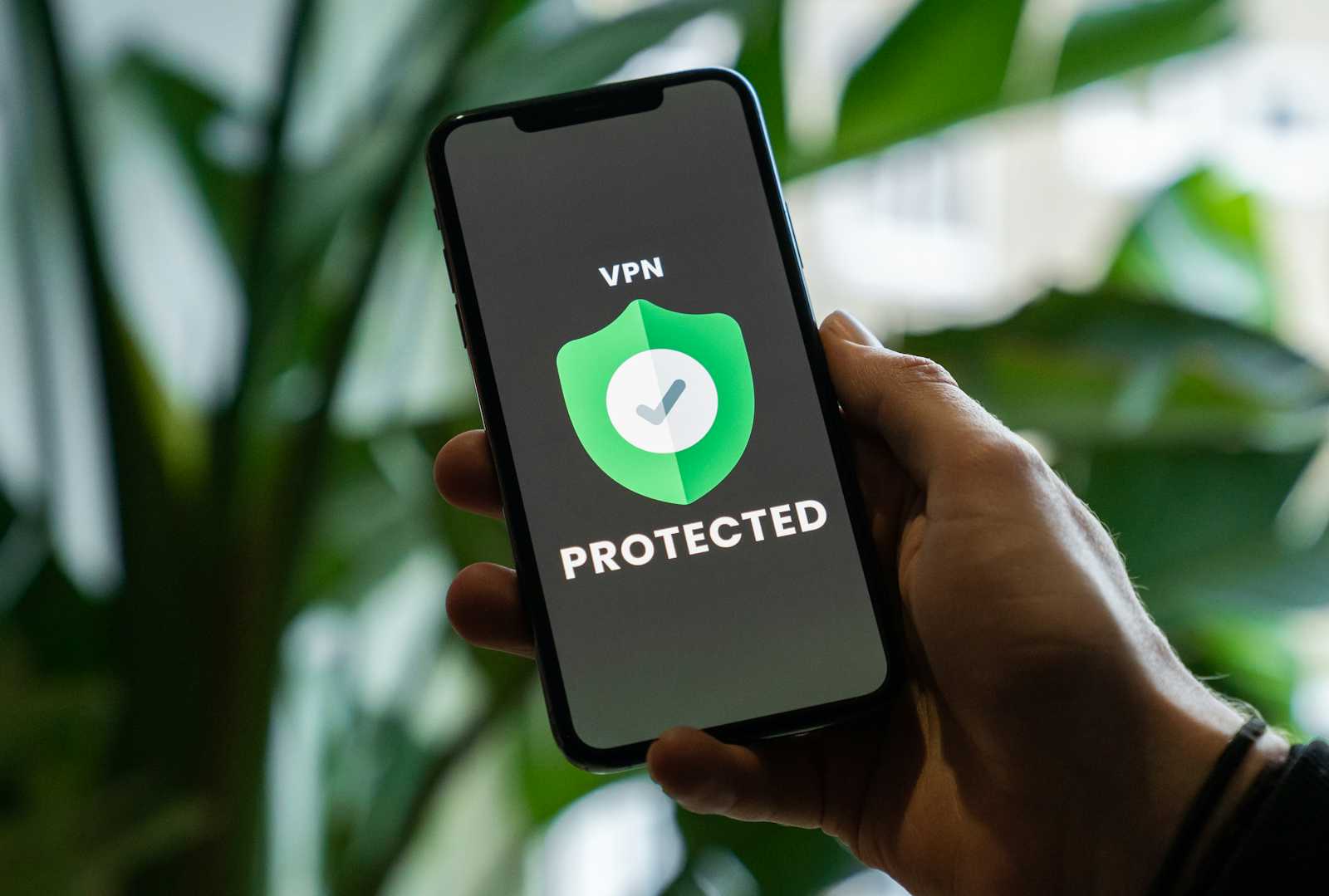
Use a Virtual Private Network (VPN) to encrypt your internet traffic.
Forget the network when you’re done using it to prevent automatic reconnection.
6. Recognize and Avoid Online Scams
Cybercriminals use tricks to make their scams look legitimate. Have you ever seen pop-ups that say, "Your device is infected! Click here to clean it!" These are fake alerts designed to make you download malware.
🔹 Common scams to watch out for:
Tech support scams: Fake warnings that claim your computer is infected.
Lottery scams: Emails saying you won money (even though you never entered a contest).
Impersonation scams: Messages from fake CEOs or friends asking for urgent money transfers.
7. Download Software Only from Trusted Sources
Downloading free software from random websites is like eating food from an unknown street vendor—you never know what’s inside. Many malware infections come from unverified downloads.
🔹 How to download safely:
Get the software from official websites or trusted app stores.
Avoid pirated content—many come with hidden malware.
Scan files with antivirus software before opening them.
8. Be Cautious with Social Media
What you share online can be used against you. Posting your full birthdate, workplace, or travel plans might seem harmless, but hackers can use this information for identity theft or phishing scams.
🔹 How to stay private:
Adjust your privacy settings to control who sees your posts.
Be careful about sharing location details in real-time.
Don’t post answers to common security questions (like your pet’s name or first car).
The internet is full of opportunities, but it’s also filled with risks. By following these safe browsing habits checking website security, using strong passwords, keeping software updated, avoiding public Wi-Fi risks, recognizing scams, downloading safely, and managing social media privacy, you can enjoy the web without falling into cyber traps.
Think of online safety like locking your doors at night. It only takes a few simple steps to protect yourself from cybercriminals. Stay alert, stay secure, and browse with confidence!
What are other safe browsing practices you know that were not mentioned?